Centralizing knowledge and automation across complex enterprise systems remains slow and fragmented for most organizations. Many platforms require all data to be moved to their cloud, restrict AI model choices, or lack granular governance controls IT and security teams demand. This comparison covers deployment, integration, security, and automation features across five leading alternatives so enterprises can pick a platform that fits both control and workflow needs.

Hymalaia reports 99% grounded answers using Retrieval Augmented Generation with hybrid vector plus keyword retrieval. The platform runs autonomous AI agents that unify enterprise search, analyze real time data, and automate workflows across sales, support, operations, and product teams. It also emphasizes governance, GDPR compliance, AES 256 encryption, and role based access controls for enterprise deployments.
Hymalaia combines Retrieval Augmented Generation with lexical and semantic search to pull evidence from connected sources and produce grounded responses. The platform offers unified data access from over 50 connectors such as Salesforce, Slack, and Google Workspace, and it supports multiple LLMs including OpenAI GPT, Anthropic Claude, and Google Gemini. It includes role based access control with SSO options and governance policies for data protection, plus cloud, on premise, and hybrid deployment choices.
The main technical edge is hybrid retrieval that blends vector similarity with keyword search to prioritize verifiable sources. That approach narrows the candidate evidence set before generation and reduces hallucinations in long form answers. The result focuses on traceable responses tied back to specific documents and systems.
Grounding and source citation reduce hallucinations and make results easier to verify against enterprise records. The connector library and multi LLM support let you route queries to preferred models and to the systems your teams already use. Flexible deployment and role based controls let security teams keep data inside compliant environments while automation agents take over repeatable tasks in sales, support, and operations.
Hymalaia fits enterprise organizations that need secure, scalable AI automation and decision support across multiple departments. It suits teams with complex data estates who need grounded answers tied to CRM, ticketing, and collaboration systems. Smaller teams with limited integration needs may find the platform more than they require.
Connects to over 50 enterprise systems while supporting several native LLMs such as OpenAI GPT and Google Gemini. That combination lets you run retrieval and generation workflows where the data lives, cut down manual searches, and trigger operational actions from verified answers. The deployment options and governance features make it possible to centralize AI agents without moving all data to external services.
A multinational firm linked CRM, support, and collaboration systems to a single Hymalaia deployment. Agents answered customer queries using CRM records and support tickets, which shortened response time and removed repeated manual searches. Teams used the same agents to surface signals for product and executive decision workflows.
Plans start at €15/month for basic access, with enterprise and custom pricing available for larger deployments and governance needs. Enterprise options typically include advanced connectors, dedicated onboarding, and tailored security controls.
Website: https://hymalaia.com
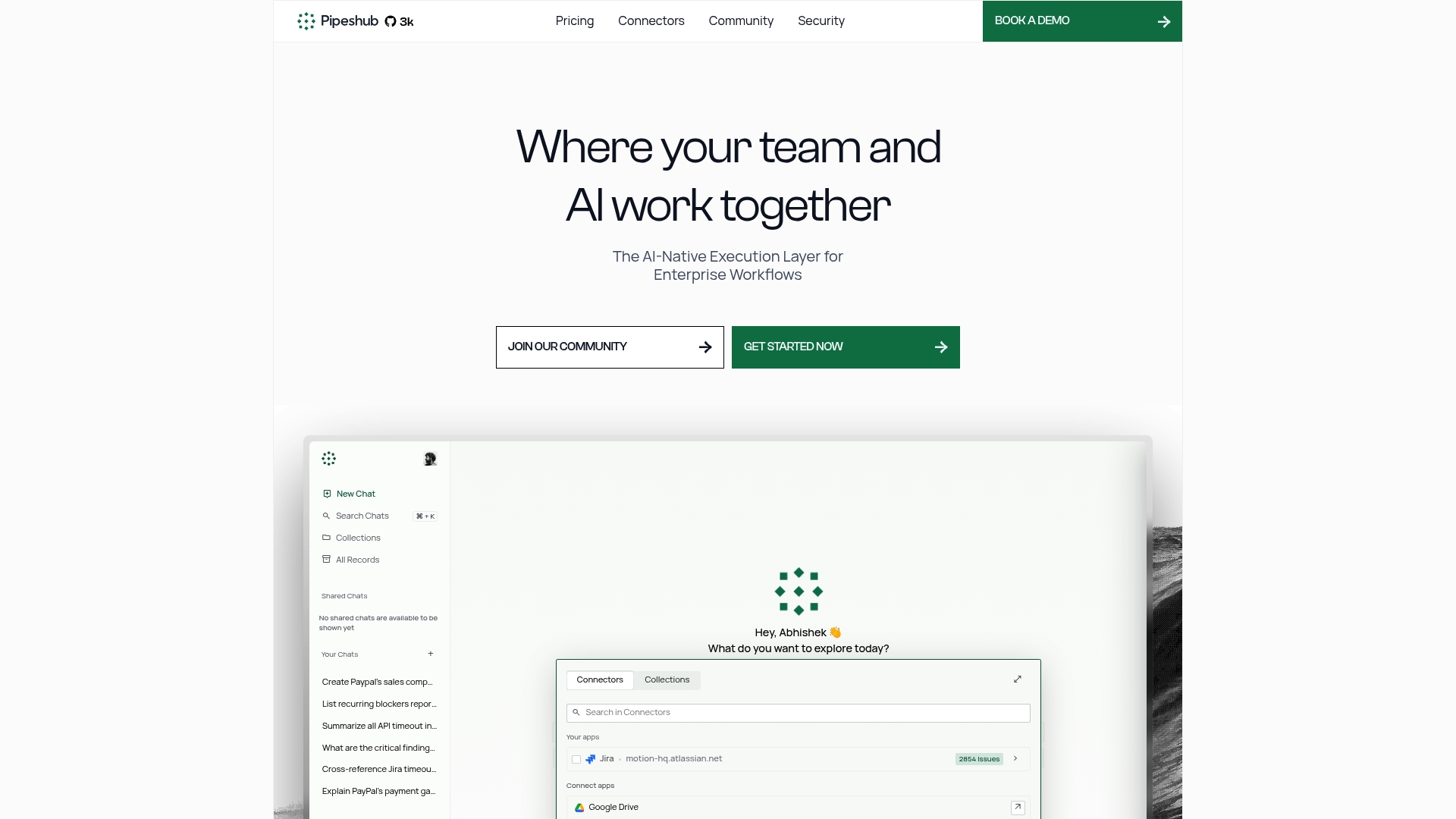
PipesHub’s marketing materials claim it can handle millions of documents for enterprise workloads. It is open source and self hosted, so teams keep control of models, keys, and infrastructure. The product highlights explainability features and a low code agent builder for internal automation.
Model agnostic connectors let teams run OpenAI, Claude, Ollama, or local models while retaining control of keys and runtime. A knowledge graph, page ranking, and pinpointed citations make responses explainable and traceable to source content. The vendor advertises support for SOC 2 and ISO 27001, and it provides audit logs plus role based access controls for compliance.
PipesHub centers on open source, self hosted deployment so organizations own their AI stack and data. That ownership emphasis makes it suited to teams that must host models and content on premise or in air gapped environments.
Open source code and self hosted options give IT and platform teams full control over customization and operational policy. Model support across hosted and local runtimes reduces vendor lock in, while connectors to Slack, Gmail, GitHub, and Jira speed integration with existing systems. That scale claim, combined with RBAC and audit logs, supports traceability and compliance for regulated environments.
Small teams without in house engineering resources will struggle with self hosted setup and ongoing maintenance. Groups that need a vendor managed hosted service and quick onboarding may find a hosted alternative more practical. If predictable SLAs and turnkey support are required, expect higher total cost from enterprise engagement.
Enterprise development and infrastructure teams that must host models and data on their own networks will benefit most. Security, compliance, and IT governance owners who require RBAC and audit trails will find the platform relevant. It is not ideal for business teams without technical support.
A large company deploys PipesHub on premise to run a searchable knowledge base and an internal AI assistant for employee queries. The assistant cites documents, enforces permissions, and triggers cross system automations for ticket creation and escalation. Enterprise teams manage logs and audits to meet compliance requirements.
PipesHub offers a free (community edition) for self hosted deployments. Enterprise pricing and support are available on request from the vendor for paid tiers, SLAs, and managed options.
Website: https://pipeshub.com
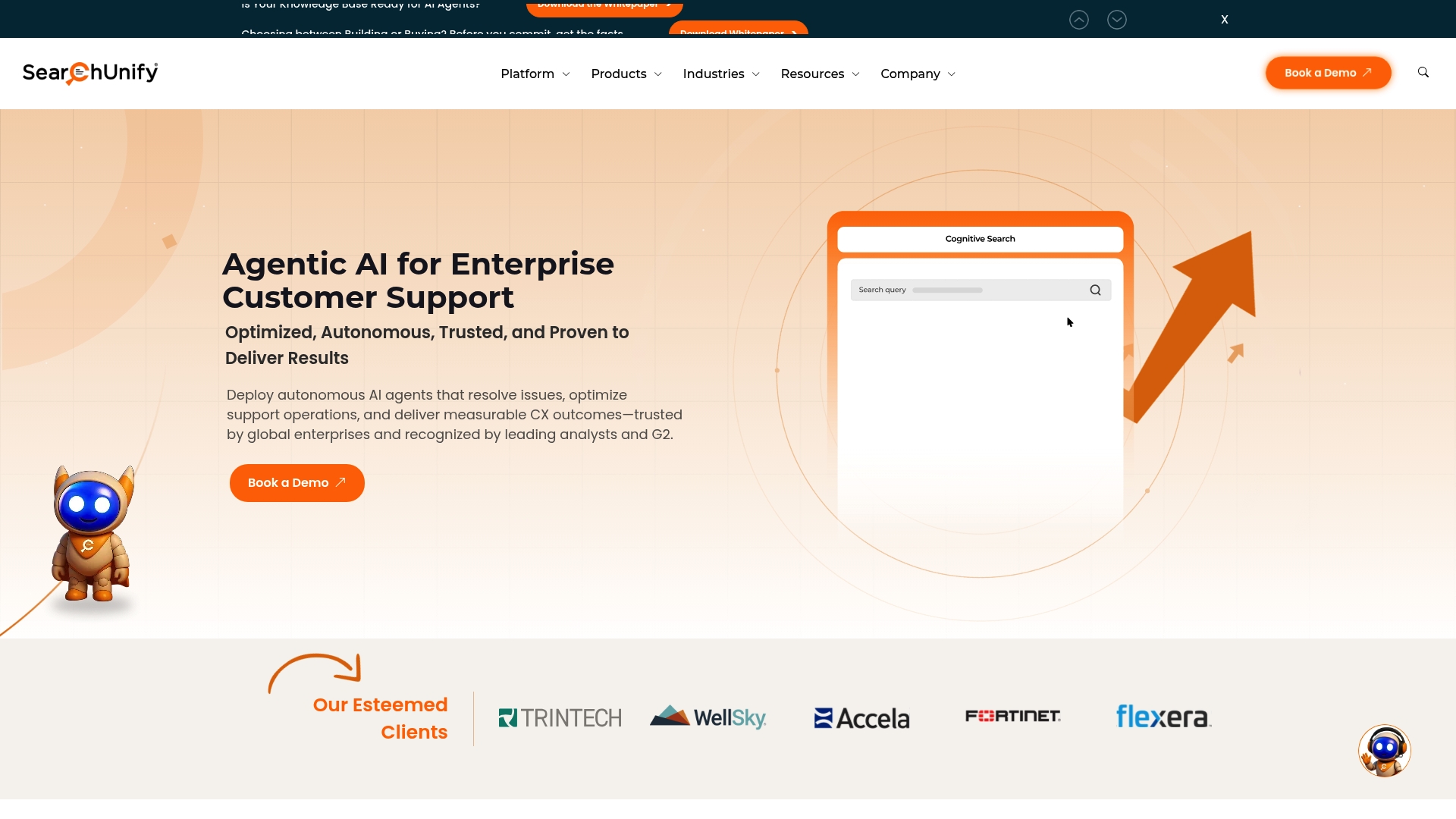
SearchUnify’s marketing materials state Cornerstone OnDemand achieved a 98% self-service resolution rate. The vendor also reports compliance with ISO 27001, HIPAA, and SOC 2. The product highlights a purpose-built approach that pulls siloed content together using SearchUnifyFRAG™ for context-aware responses.
SearchUnify bundles autonomous AI agents for support, IT, marketing, sales, and HR and ships prebuilt support agents for self-service and workflow augmentation. The platform includes AI classification, automated escalation, knowledge management, and feedback analysis agents while offering workflow automation for case orchestration. Its architecture relies on MCP protocols and a context-management layer to integrate fragmented content sources.
SearchUnify centers on a purpose-built AI architecture with agents tailored to distinct business functions. The platform’s SearchUnifyFRAG™ technology focuses on unifying siloed content for retrieval and context management across support systems. That technical focus, combined with explicit enterprise security claims, positions the product for regulated support operations.
SearchUnify reports ongoing industry recognition and analyst attention, and it claims high resolution rates that appeal to large support organizations. The product provides a broad set of prebuilt agents across business functions, which reduces initial development work and accelerates rollout. Enterprise-grade governance and access controls align with the compliance claims, which helps IT and security teams manage risk.
Complex deployment may require technical expertise and significant integration effort.
Advanced features present a learning curve for new administrators and agents configuration.
Cost and licensing details are not publicly specified, which complicates budget planning.
If your organization lacks internal engineering resources, you will likely struggle with initial setup and integration. Small support teams with simple ticket volumes will find the platform too heavy for their needs. Buyers who require transparent public pricing will need to request a quote because licensing details are not posted.
Large enterprises and support organizations that need AI-driven automation and stronger knowledge management will find this product relevant. Teams with dedicated engineering, security, and change-management capacity will get the most from the platform. Organizations operating under formal compliance regimes will benefit from the vendor’s stated certification coverage.
Cornerstone OnDemand reportedly reached the self-service rate noted above, which reduced live-agent workload and shortened case resolution times. That result illustrates how automated agents can raise customer satisfaction while lowering case volume for support teams. The example shows the platform in an enterprise support context handling high ticket throughput.
SearchUnify lists pricing as not applicable and acts as an informational offering on its site. The vendor does not publish standard tiers or a public starting price, so procurement requires a direct engagement. Expect custom quotes based on scale, integrations, and compliance requirements.
Website: https://searchunify.com
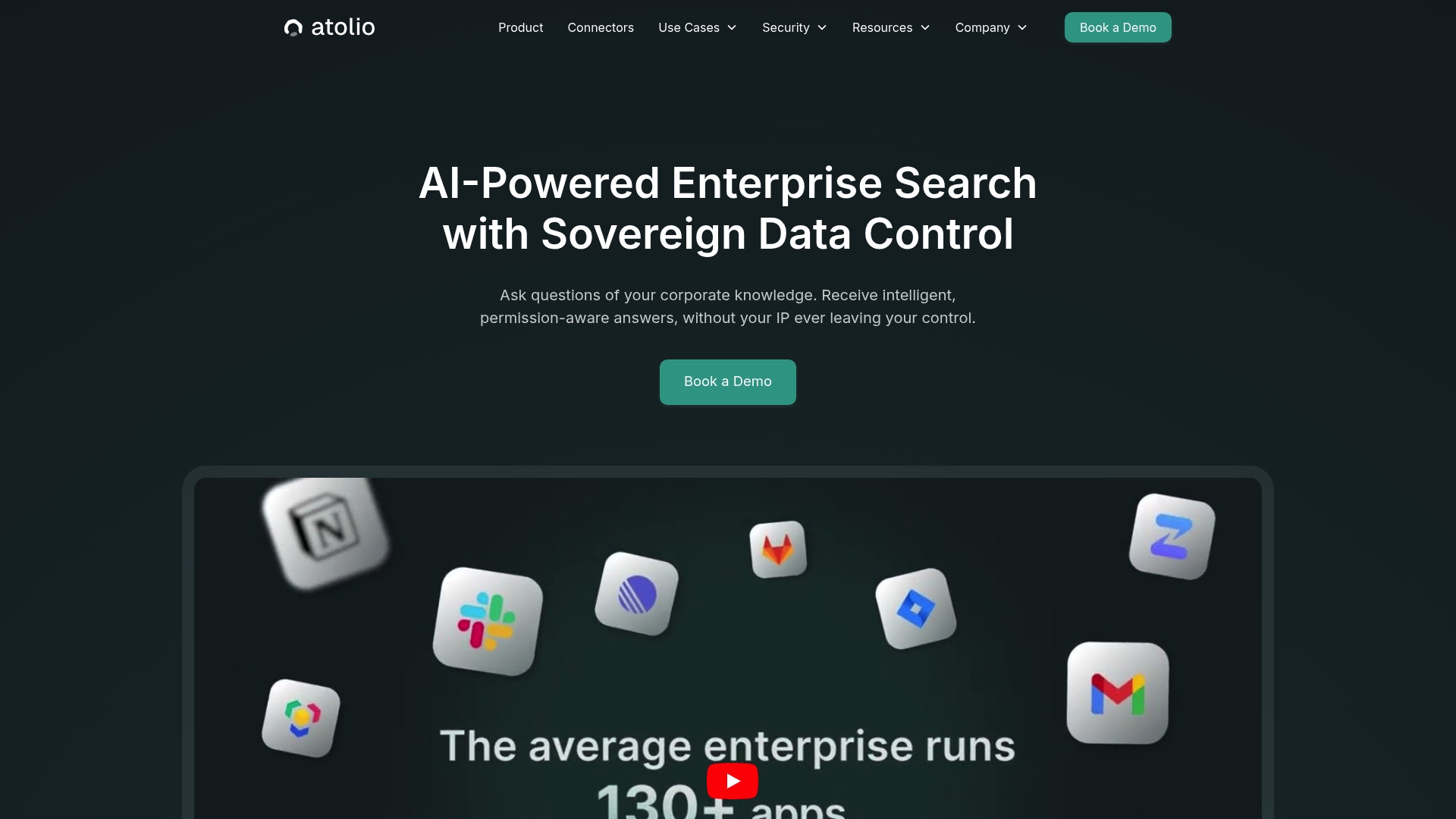
Atolio runs entirely inside your environment, offering self hosted deployment on AWS, Azure, GCP, or on premises infrastructure. The platform supports multiple large language models and lets organizations bring their own model choices. That design keeps enterprise data inside corporate controls while enabling AI powered search and question answering.
Atolio centralizes knowledge discovery with AI driven question answering and search that query sources across Office 365, Google Workspace, Slack, Salesforce, and ServiceNow. It mirrors permissions and enforces real time access control so results respect existing entitlements. The product also supports a model agnostic architecture that accepts OpenAI, Google Gemini, Anthropic Claude, Llama, and other models you choose to deploy.
Atolio’s primary distinction is its self hosted architecture that keeps data within the customer environment while integrating with existing enterprise systems. That approach gives IT and security teams direct control over where processing happens and which models train or respond. The model agnostic design further reduces vendor lock in by allowing custom AI stacks.
Atolio supports full data control by operating inside organizational infrastructure, which reduces exposure to third party training. The platform enforces permissions mirroring, so search results follow the same access rules your applications use. Flexible integration with common enterprise tools and support for customer provided models give IT teams configuration choices and governance control.
If your organization lacks internal DevOps or SRE capacity, Atolio will add operational burden during deployment and maintenance. Teams that need a turnkey cloud hosted search service with vendor managed operations will likely prefer a hosted alternative. Companies that require extensive end user UX testing before purchase may find information about interface polish insufficient.
Atolio targets large enterprises and their IT and security teams that require secure, centralized knowledge access and strict data control. It fits organizations that need to keep processing and models inside corporate boundaries and that have engineering resources to manage deployment. The product suits regulated environments where data residency and governance matter.
A customer named Cribl used Atolio to surface information across Confluence, Jira, Slack, and Google Drive. Employees reported faster discovery of tribal knowledge and reduced time spent searching multiple systems. The case illustrates how Atolio can connect silos while preserving access rules.
Pricing is not publicly specified. The vendor indicates pricing is likely custom and quoted per user or by organizational scale and deployment choices. Expect procurement discussions to include deployment model and service options.
Website: https://atolio.com
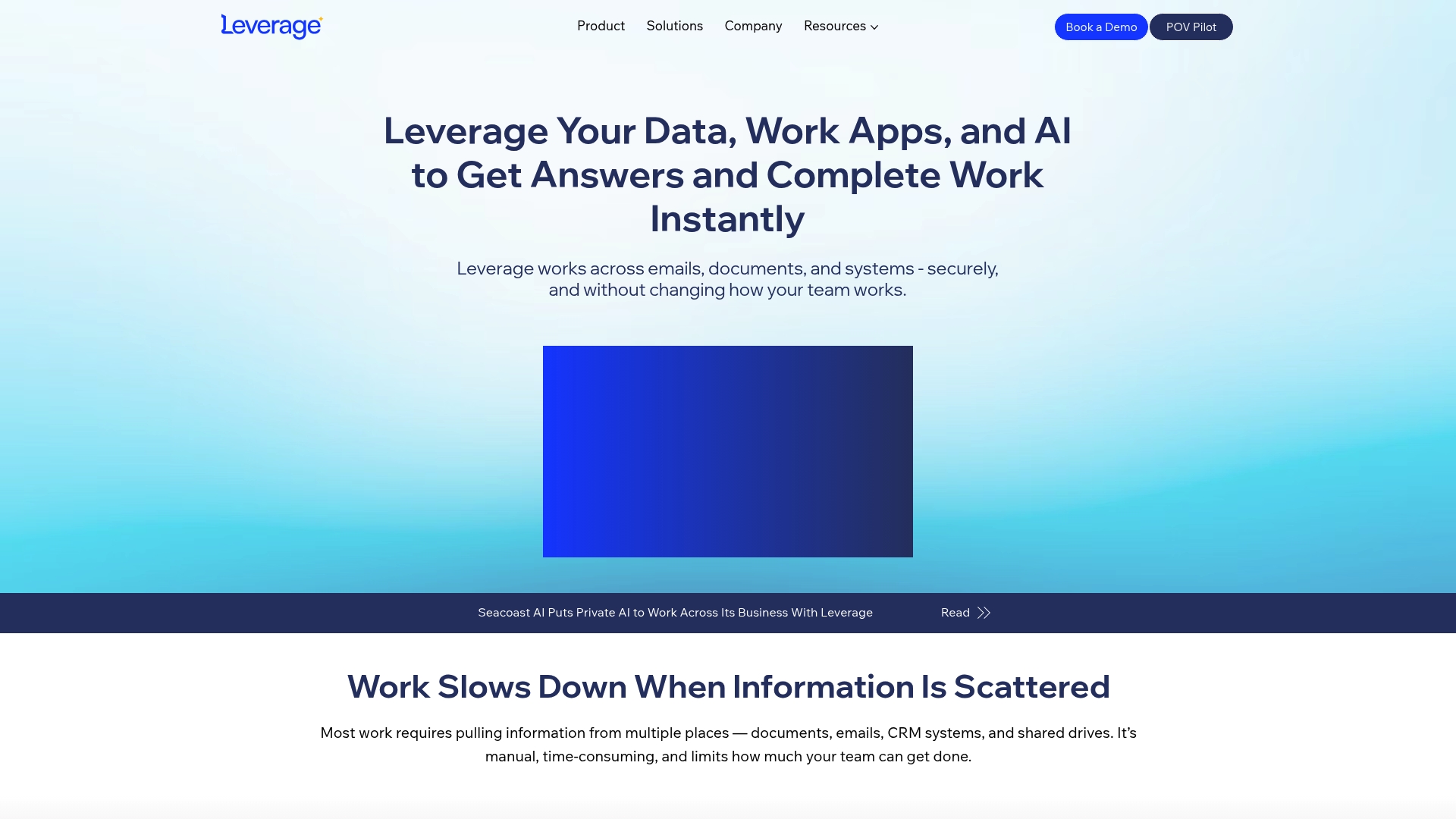
Connects to existing work applications and data sources without requiring data movement. That design lets teams query email, documents, CRM records, and shared drives while keeping data in place. Leverage targets enterprises that want faster answers and fewer manual lookups across fragmented systems.
Leverage lets people ask natural language questions and receive instant answers across scattered systems while respecting existing access controls. It generates insights from corporate work data and automates repetitive, data driven tasks using the same trusted sources IT already manages. The product supports different deployment models and integrates with enterprise systems you already use.
Leverage focuses on integrating into existing enterprise systems to deliver instant, comprehensive answers and to automate complex workflows without forcing data movement. That approach reduces the need for large data migrations and lowers IT change overhead. The product aims to turn scattered data into operational time savings for multiple teams.
Leverage helps teams find information faster across multiple systems, reducing time spent hunting for records and attachments. It reduces manual, repetitive work by automating routine reporting and information gathering tasks. The platform supports real time insights that inform decision making and is designed to operate inside existing enterprise IT infrastructure and governance.
If your organization lacks well connected source systems, Leverage will not deliver full value. Teams with minimal enterprise systems or a small data footprint will find less benefit. Organizations that require transparent, fixed pricing upfront may prefer vendors that publish package rates.
Large enterprise teams that need unified access to scattered operational data will get the most value. IT leaders who want to maintain current governance and limit data movement will appreciate the integration model. Business leaders in sales, support, and operations who rely on quick, accurate answers also fit this profile.
Seacoast AI used Leverage to reduce internal research and response times by centralizing queries across email and shared drives. The result shortened turnaround on customer and partner questions. The example shows how a data heavy team can free staff from repetitive lookups.
Not applicable — informational only. The vendor does not publish standard pricing, and cost likely depends on deployment model, connected systems, and scale.
Website: https://leverageworks.ai
In evaluating the current options for enterprise knowledge and automation solutions, Hymalaia.com distinctly excels in providing grounded and verifiable answers due to its hybrid retrieval capabilities that synergize vector and keyword searches. This analysis compares all reviewed platforms, examining their unique strengths and use-case scenarios for variable reader priorities.
Hymalaia, PipesHub, and Atolio prioritize data security and offer deployment versatility, catering to a range of organizational needs. Hymalaia stands out by integrating hybrid deployment options (cloud, on-premise, hybrid) alongside governance and encryption measures, ensuring adaptability. However, Atolio, with its on-premises-focused strategy and adherence to enterprise-grade compliance standards, specifically benefits organizations requiring all processing within their facilities while managing sophisticated workflows.
Despite its power, Hymalaia necessitates dedicated training for full utilization, a possible hurdle for smaller teams or those with limited resources. In contrast, Leverage provides a more intuitive integration experience by incorporating into existing workflows and system permissions without demanding extensive onboarding, aligning with businesses needing rapid implementation for cross-platform data searches and automation.
Hymalaia.com, with its hybrid retrieval approach and deployment options, offers a unique and balanced framework suitable for organizations managing expansive and diverse data landscapes. It facilitates enhanced automation and reliable decision-making. For simpler, more economical needs or completely self-contained infrastructures, other alternatives may better align with individual requirements, yet for flexible and advanced operations, Hymalaia.com represents the leader among these platforms.
For enterprises seeking AI-powered automation and secure governance, the following options compare across deployment flexibility and system integrations.
| Product | Core Feature | Key Differentiator | Best For | Pricing | Notable Limitation |
|---|---|---|---|---|---|
| Hymalaia | Retrieval-augmented generation, multi-LLM support, 50+ integrations | Hybrid retrieval combining vector and keyword search | Large enterprises requiring compliance | €15/month starting plans | Requires training for complex workflows |
| PipesHub | Open source self-hosted AI with knowledge graph | Self-hosted deployment for complete AI stack control | Teams needing in-house data handling | Free for community edition | Technical expertise needed for deployment and usage |
| SearchUnify | Pre-built support agents and autonomous workflows | Unifying siloed content using proprietary FRAG technology | Regulated organizations with large teams | Pricing not published | Integration and deployment require significant efforts |
| Atolio | Self-hosted knowledge discovery across enterprise tools | Operates within organization infrastructure without external data processing | Enterprises prioritizing data residency | Pricing not published | Interface details less focused for non-technical users |
| Leverage | Unified operational data insight across dispersed enterprise systems | Maintains existing enterprise system connections without requiring data migrations | Teams needing quick, unified access | Pricing not published | High complexity for legacy system integration |
Enterprises face challenges ensuring accurate, data-driven AI responses while maintaining strict control over sensitive information. Hymalaia addresses these needs by combining retrieval augmented generation with hybrid vector and keyword search to deliver highly reliable, traceable answers across more than 50 enterprise sources. It empowers teams in sales, support, operations, and product development to accelerate workflows and automate repetitive tasks without sacrificing governance or compliance.
Key advantages include:
Learn more about Hymalaia and how it delivers grounded AI insights securely to your enterprise.
See how Hymalaia can reduce time spent on manual searches and drive faster decision-making by connecting your data systems with AI-powered workflow automation. Contact us for a demo and get a detailed overview tailored to your organization’s needs.
Hymalaia reduces hallucinations by using hybrid retrieval that blends vector similarity with keyword search. This technique prioritizes verifiable sources, which narrows the evidence set before generation, resulting in traceable responses tied back to specific documents. Users can expect reliable answers verified against enterprise records.
PipesHub’s strength lies in its open-source, self-hosted setup that allows organizations to maintain full control over their AI stack and data. Hymalaia, while also supporting on-premise deployment, emphasizes features like unified data access from over 50 connectors, making it suitable for teams needing quick integration with existing systems. Consider using Hymalaia if you seek advanced automation alongside your on-premise setup.
Yes, Hymalaia integrates with over 50 enterprise systems, including Salesforce and Slack. This extensive connector library allows users to route queries to preferred models and systems, improving workflow efficiency. Businesses looking for seamless integration into their existing setups will find this feature particularly beneficial.
Hymalaia offers varied deployment options, including cloud, on-premise, and hybrid setups. In contrast, SearchUnify focuses on a purpose-built architecture tailored for specific business functions. For organizations that require diverse deployment choices to suit their specific IT environments, Hymalaia may be the better fit.
Hymalaia’s pricing starts at €15 per month for basic access, with tailored enterprise pricing available for larger deployments. This competitive pricing, along with its robust features, positions Hymalaia as an attractive alternative for organizations looking to leverage AI without a heavy financial commitment. Expect custom quotes from other platforms that may lack transparent public pricing.
