Building a searchable knowledge platform that actually integrates live data, supports AI-driven workflows, and scales with enterprise governance is still a pain for most organizations. Too many knowledge management tools either limit analytics and automation to higher tiers, force clumsy document migration, or require costly vendor-led onboarding that slows adoption. This guide compares five enterprise knowledge platforms on AI capabilities, integration depth, deployment flexibility, and pricing so you can choose one that fits your workflow and IT constraints.

Hymalaia’s marketing materials state it connects to over 50 enterprise tools and supports cloud, on-premise, or hybrid deployment models. The platform pairs hybrid retrieval and Retrieval-Augmented Generation to produce grounded answers and deployable AI agents for sales, support, operations, and product teams.
Hymalaia relies on a hybrid RAG approach that blends lexical and semantic retrieval to favor documents that actually contain the answer. That design reduces noisy matches from purely embedding-based search and improves the precision of agent responses when you query specifics held in CRM, tickets, or documents.
Large organizations with multiple enterprise systems and internal teams in sales, support, operations, or product that want AI agents acting on live data. Best when you have internal engineering or integration resources and a governance policy for data access.
Natural-language, no-code agent creation lets nontechnical teams define agents that act directly on integrated systems. That means a sales operations lead can specify an agent to update CRM fields and draft follow-up messages without a backlog ticket to Engineering, shortening time from idea to automated task.
A company connects Salesforce, Slack, and SharePoint to Hymalaia and builds an agent that scans opportunity notes, surfaces at-risk deals, updates CRM stages, and drafts follow-up emails. The result is fewer manual updates and faster response cadence for account teams.
Pricing starts at €15 per user per month with an annual commitment, with higher tiers available for business and professional plans that add models, support, and advanced deployment options. Costs can rise with high-volume usage and extensive customizations.
Website: https://hymalaia.com
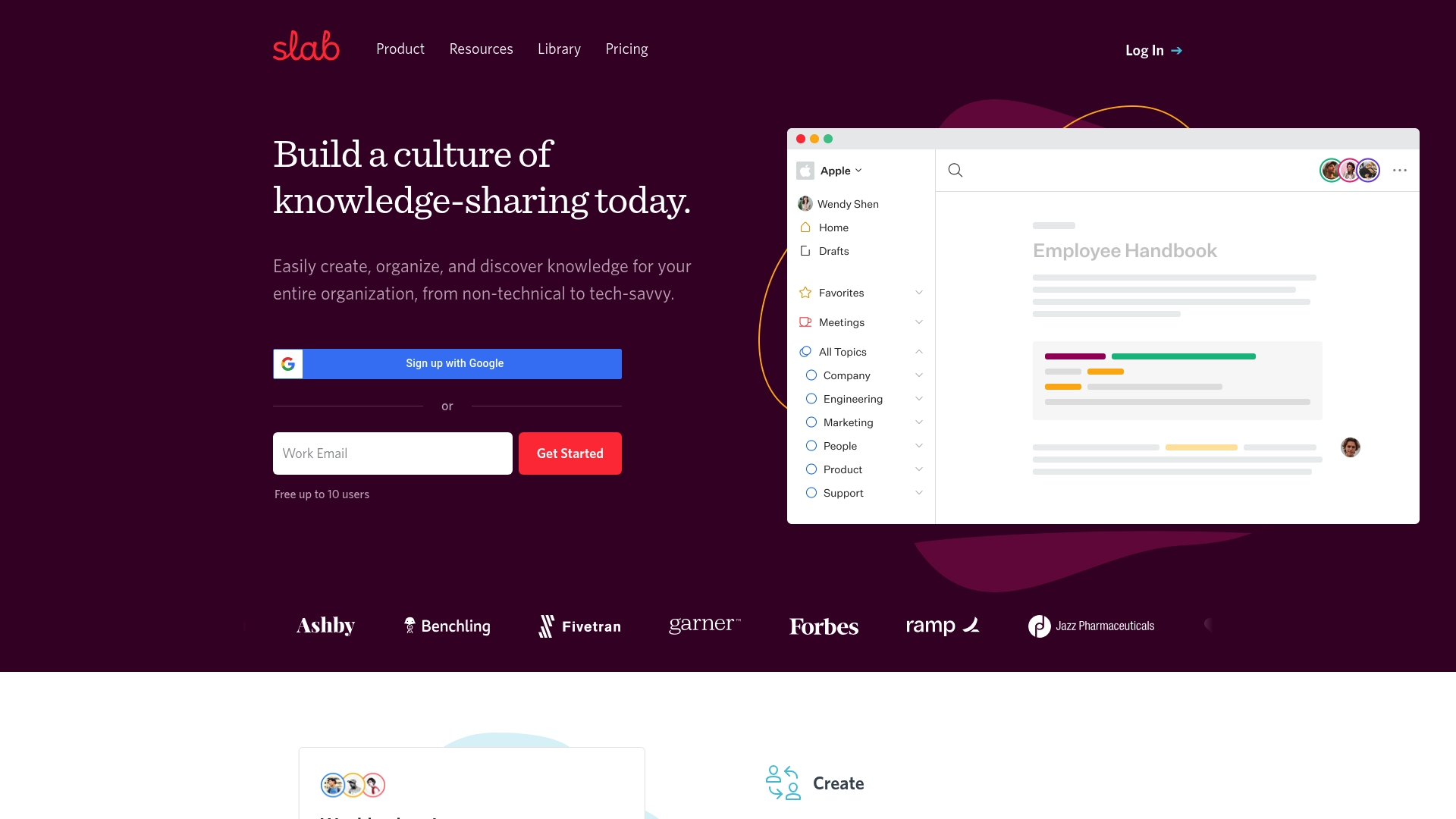
Free for teams up to 10 users, with paid plans starting at $6.67 per user per month — a practical entry point for small teams that want a searchable knowledge repository without upfront cost. Slab pairs a modern editor with search that indexes both native content and connected tools.
Slab offers a modern editor for structured, readable documentation and hierarchical topics with labels that keep content discoverable.
Slab’s real strength is the combination of its editor and search. The product positions that pairing as the main workflow enhancer, focusing tightly on surfacing answers quickly. That focus makes Slab narrower in scope than enterprise platforms built for automated workflows, governance, and deep systems orchestration.
If you run a large enterprise that requires granular permission models, advanced analytics, or custom workflows out of the box, Slab’s lower tiers will feel constrained. Teams that need tightly governed deployments or heavy automation will likely prefer an enterprise-grade knowledge solution with deeper governance features.
Slab connects to common workplace systems to keep knowledge in context.
Product teams, engineering documentation owners, HR teams building onboarding kits, and support teams that need a single searchable source for playbooks. Small to mid-sized organizations that prioritize readably written docs and quick access over heavyweight governance will get the most value.
A SaaS company consolidated developer docs, onboarding checklists, and support playbooks into Slab. The team cut new hire ramp time by centralizing answers and used the search record to reduce repetitive support questions.
Free for up to 10 users. Startup plans start at $6.67 per user per month, with higher tiers and custom Enterprise options that add permissions, analytics, and single sign-on.
Website: https://slab.com
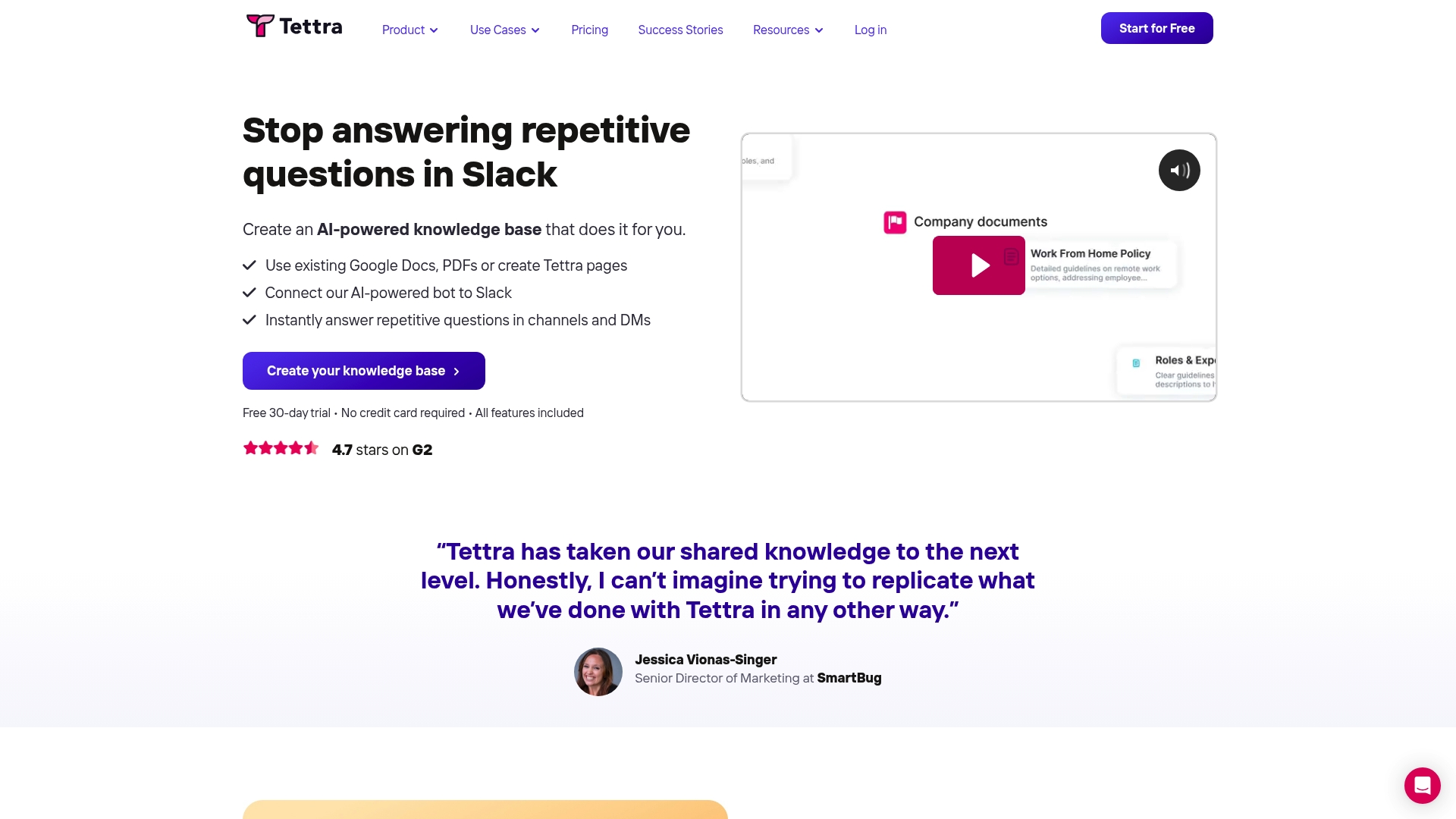
Tettra’s Slack bot Kai answers team questions directly inside channels and DMs, turning Slack into a searchable help desk. The product starts at $8 per user/month for the Scaling plan and includes a free trial for evaluation.
Create and maintain an internal wiki from existing documents and new pages with straightforward organization and revision tracking. Content verification tools help keep pages current without heavy editorial overhead.
Tettra also supports External site publishing for public documentation, and automation hooks that reduce repetitive Q&A by routing answers to Slack via the Kai bot.
The tight Slack focus is Tettra’s primary advantage. Having AI answers delivered inside conversations means support and HR teams get contextual responses without switching windows. That integration reduces friction for teams already living in Slack and lets knowledge retrieval feel like part of daily work.
Intuitive wiki layout gets nontechnical contributors to document procedures quickly. Editors can add pages, tag topics, and see revision history with minimal training.
The Slack workflow lowers time to answer. When a question appears in a channel, the Kai bot can suggest a page or post an answer without a manual search.
Content verification features flag stale pages and simplify periodic reviews, which helps teams keep onboarding material accurate over time.
Setup typically requires only a few common connectors. Teams can link Google Workspace documents and pull content into Tettra rather than recreating everything.
No live co-editing. Teams that expect simultaneous document editing and real-time collaboration will find the editor limited compared with document platforms that offer live cursors.
The interface can become cluttered if pages grow organically without governance. Frequent pruning or naming conventions are necessary to prevent sprawl.
Heavy reliance on Slack authentication may be awkward for organizations that use other platforms as their primary chat tool.
Tettra is less suitable for large enterprises needing sophisticated content collaboration features like live co-authoring, advanced permissions, or deep analytics across thousands of pages. If your team requires a single universal workspace for documents, spreadsheets, and real-time editing, Tettra’s focused wiki model will feel narrow.
Tettra connects to Slack, Google Workspace, GitHub, and Zapier to import content, surface answers, and automate workflows. These integrations cover common developer and knowledge workflows without custom engineering.
Small to mid-size teams—roughly 5 to 50 people—who need a simple internal knowledge base and want AI-assisted answers inside Slack. Support teams, HR groups, and agencies that handle recurring questions will see the most immediate benefit.
A support team programs common troubleshooting steps into Tettra and enables Kai in their support channel. When agents or new hires ask routine questions, Kai supplies links or full answers, cutting repetitive Slack pings and speeding time to resolution.
Pricing begins at $8 per user/month for the Scaling plan. Enterprise customers can request custom pricing that adds SSO, SCIM, and premium support. A free trial is available to test Slack workflows and content import.
Website: https://tettra.com
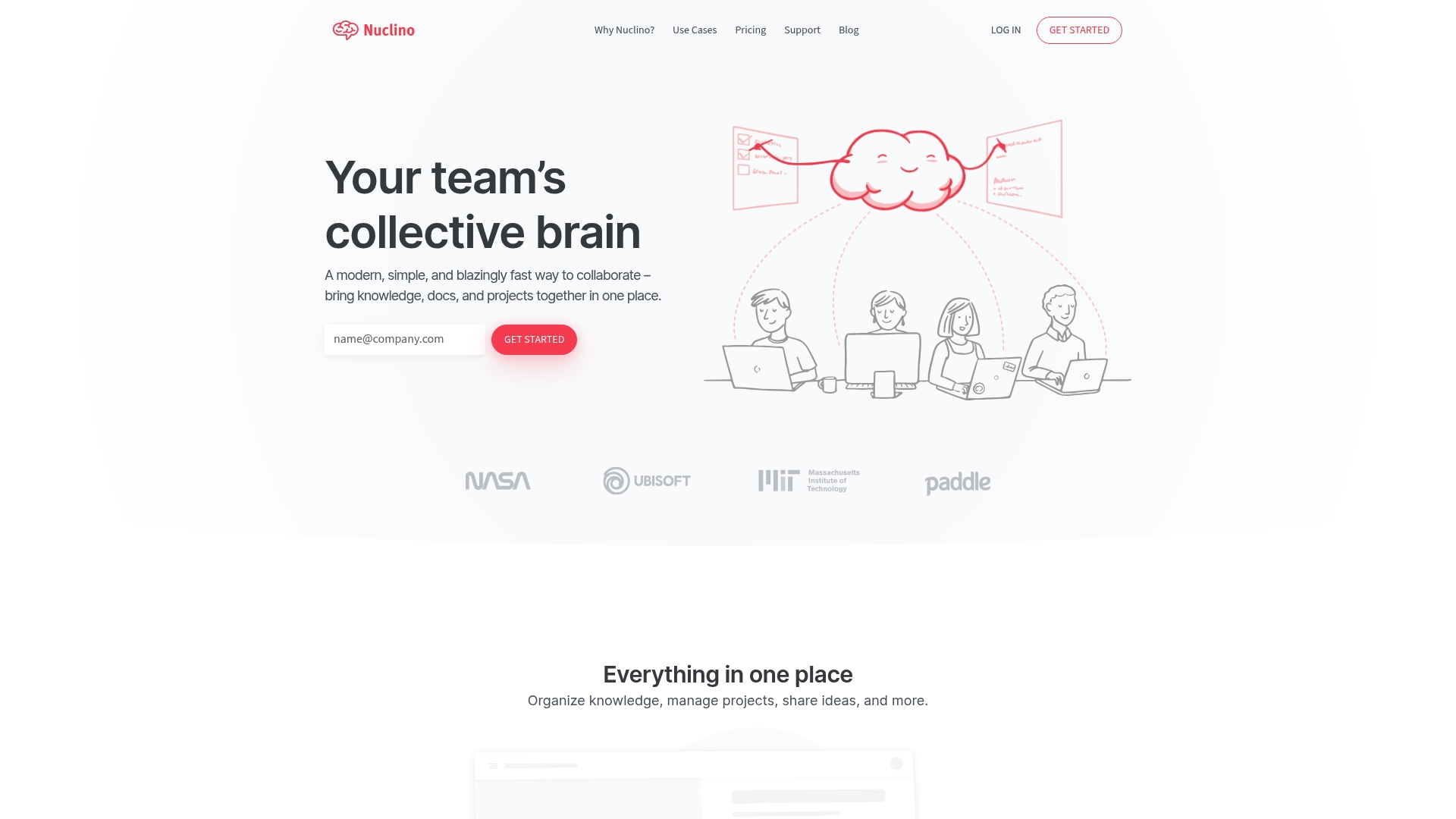
The vendor reports more than 12,000 teams use Nuclino, a lightweight workspace that blends list, board, table, and graph views with an integrated AI assistant. The result is a noticeably fast interface for creating notes and linking knowledge without heavy setup.
What stands out is the mix of speed and simplicity. Nuclino favors immediate productivity over deep customization. That design choice pairs the multiple view model with AI features so teams can convert scattered notes into connected knowledge quickly without a long setup phase.
If you require deeply customizable workflows, complex permission trees, or advanced publishing controls, Nuclino will feel too simple. Teams that need heavy duty document formatting or integrated enterprise backup will likely need a different tool.
If your content volume is expected to scale rapidly without a taxonomy owner, the navigation challenges above will surface within months rather than years.
Small to medium sized teams that want a fast, unified place for notes, plans, and lightweight project work. Product teams, marketing groups, and small engineering teams benefit most when they prioritize speed over extensive customization.
A marketing team consolidated campaign plans, meeting notes, brand assets, and research into Nuclino. They used board views for status, table views for asset inventories, and Canvas for creative workshops, which cut back on email threads and sped up handoffs during launches.
Nuclino offers a Free tier plus paid plans. The Starter plan is $6 per user per month and the Business plan is $10 per user per month with annual billing discounts available. The pricing model keeps costs predictable for small teams.
Website: https://nuclino.com
Purpose-built for enterprise knowledge ecosystems, Cognni combines a branded secure interface with generative capabilities such as Cognni Spark to surface research and reduce duplicated work. The vendor positions the product as tightly focused on knowledge evaluation, embedding, and evolution across large organizations.
Centralizes research and insights from multiple data sources into a single indexed repository for faster retrieval.
AI-powered search that ranks results by relevance to queries and suggests related assets when gaps appear.
Predictive analysis that identifies knowledge gaps and recommends content to fill them, plus tools to track evolving narratives over time.
Admin controls for branding, security, and customization combined with expert support for deployment and change management.
Cognni emphasizes being a tailored, purpose-built AI system for knowledge management rather than a general collaboration tool. That niche focus drives features such as gap detection, branded interfaces, and consulting-led deployments aimed at aligning knowledge architecture with business objectives.
Purpose-built approach helps knowledge teams avoid retrofit work that comes with repurposing collaboration apps for KM.
Generative AI features like Cognni Spark can accelerate synthesis of research summaries and initial recommendations for analysts.
Vendor-led integrations and expert support ease deployment for large estates where governance and branding matter.
The platform is designed to reduce duplicate research costs by detecting overlap and suggesting reuse opportunities.
Emphasis on security and customization suits regulated industries that require controlled access and a branded experience.
Multiple third-party reviews report app stability problems, cumbersome verification flows, and inconsistent support quality, which raises risk for critical deployments.
The platform appears to rely on consultative onboarding; organizations seeking plug-and-play setups may find the ramp slower than expected.
Public documentation and community signal are limited, which can make self-serve troubleshooting harder for internal IT teams.
If immediate, rock-solid application uptime and highly responsive 24/7 vendor support are nonnegotiable, Cognni may be a poor match based on the user feedback above. Also avoid it if you need a low-friction, out-of-the-box wiki replacement without professional services.
Large enterprises, research organizations, and regulated companies that need a configurable, secure knowledge backbone and are willing to invest in vendor-led implementation. Best where governance, branding, and measured ROI on research consolidation matter.
A multinational company centralizes internal reports, market research, and subject matter notes into Cognni. Analysts use the AI search to find prior work, the gap analysis to prioritize new studies, and consulting support to fold the system into existing processes, cutting duplicate research spend.
Cognni does not publish standard public pricing. Pricing is typically customized for enterprise deployments and usually reflects implementation scope, data volume, and consulting services rather than a fixed per-seat model.
Website: https://cognni.com
Selecting the enterprise knowledge platform requires evaluating the trade-offs in capabilities, pricing, and integrations offered by the available options.
Hymalaia excels in deployment flexibility, supporting cloud, on-premise, and hybrid models, making it suitable for organizations with varied data residency requirements. While platforms like Slab and Tettra focus on streamlined integration with productivity tools such as Slack and Google Workspace, they lack the governance features that Hymalaia provides, like data masking and access controls.
Hymalaia’s hybrid retrieval system stands out by combining semantic matching with exact lexical searches, providing accurate results especially where precise technical terms are involved. Alternatively, Cognni’s AI-powered search specializes in relevance ranking and suggesting resource overlaps, benefiting research-intensive workflows but requiring significant configuration.
Hymalaia’s hybrid retrieval mechanism and detailed governance framework cater to large organizations needing reliable, grounded AI responses across integrated systems. However, if minimal setup or vastly simplified navigation is, solutions like Slab provide better entry-level access points at lower operating complexities.
Compare platforms for their features, best applications, pricing, and notable limitations to find the right fit for your organization.
| Name | Primary Features | Best For | Pricing | Notable Limitation |
|---|---|---|---|---|
| Hymalaia | Hybrid retrieval and Retrieval-Augmented Generation (RAG) | Enterprise teams needing robust AI-based knowledge retrieval | €15 per user/month starting | Implementation complexity requires engineering resources |
| Slab | Universal search and structured documentation editor | Small to mid-sized teams prioritizing accessibility and simplicity | $6.67 per user/month starting | Limited analytics and custom workflows at lower tiers |
| Tettra | Slack integration with Kai bot for instant answers | Teams leveraging Slack heavily for collaboration | $8 per user/month starting | Lacks live co-editing functionality |
| Cognni | Knowledge gap analysis and generative AI insights | Large enterprises in regulated industries needing secure solutions | Not disclosed | Stability and support quality inconsistencies reported |
| Nuclino | Unified workspace with visual relationship mapping | Teams valuing speed and simplicity in knowledge management | $6 per user/month starting | Limited advanced document editing for specific needs |
Many organizations searching for getguru.com alternatives struggle with scattered enterprise data and AI tools that do not integrate comprehensively. Hymalaia directly addresses these challenges by offering an enterprise AI platform that connects with over 50 systems like Salesforce and Slack. Its hybrid retrieval-augmented generation approach ensures AI agents deliver accurate, grounded answers while automating complex workflows without heavy engineering overhead.
Benefits of Hymalaia include:
Explore Hymalaia to empower your teams with AI-powered insights and automation.
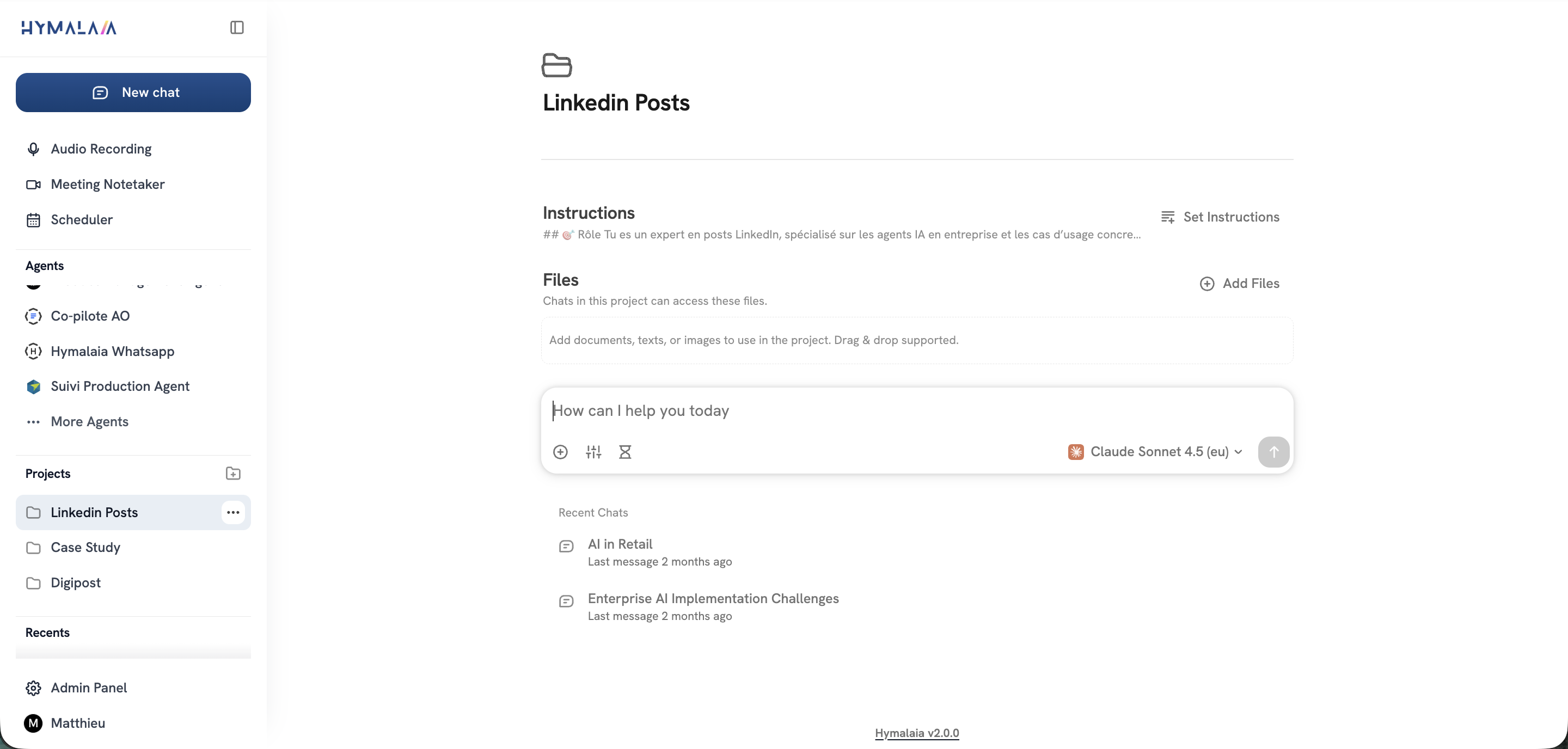
Unlock faster decision-making that reduces manual work and improves team productivity. Visit our website and request a demo to see how easy it is to build AI agents that act on live enterprise data and generate reliable results.
Hymalaia offers grounded answers that pull from indexed sources, significantly reducing the risk of misinformation. This is achieved through its Retrieval-Augmented Generation (RAG) feature that cites or pulls relevant data from source material. Users can expect reliable outputs for business workflows that enhance decision-making and reduce errors.
Slab is known for its fast onboarding process due to an intuitive editor that resembles common document tools, making it easy for contributors to start documenting right away. In contrast, Hymalaia’s no-code agent creation allows product managers to prototype workflows without needing engineering assistance, which can speed up deployment in cases that require more technical integration. If your team is small and agility in documentation is a priority, Slab’s setup may be more effective.
Hymalaia emphasizes governance features such as role-based access, data masking, and encryption, which are crucial for organizations in regulated environments. This ensures sensitive information is kept secure while allowing agents to retrieve required data. Organizations that prioritize data security and regulatory compliance will find this aspect beneficial in their operations.
Yes, Hymalaia allows no-code creation of AI agents, enabling non-developers to assemble agents using natural language. This feature specifically supports teams that may not have extensive programming skills but still want to automate tasks and workflows efficiently. Users can quickly explore the capabilities of creating AI agents without needing a technical background.
Hymalaia’s pricing starts at €15 per user per month, which may be higher than Tettra’s starting price of $8 per user per month. While Hymalaia offers more features focused on AI integration and document retrieval, Tettra provides a simpler wiki model that suits teams wanting an uncomplicated internal knowledge base. Evaluate the features needed against your budget when considering these options.
